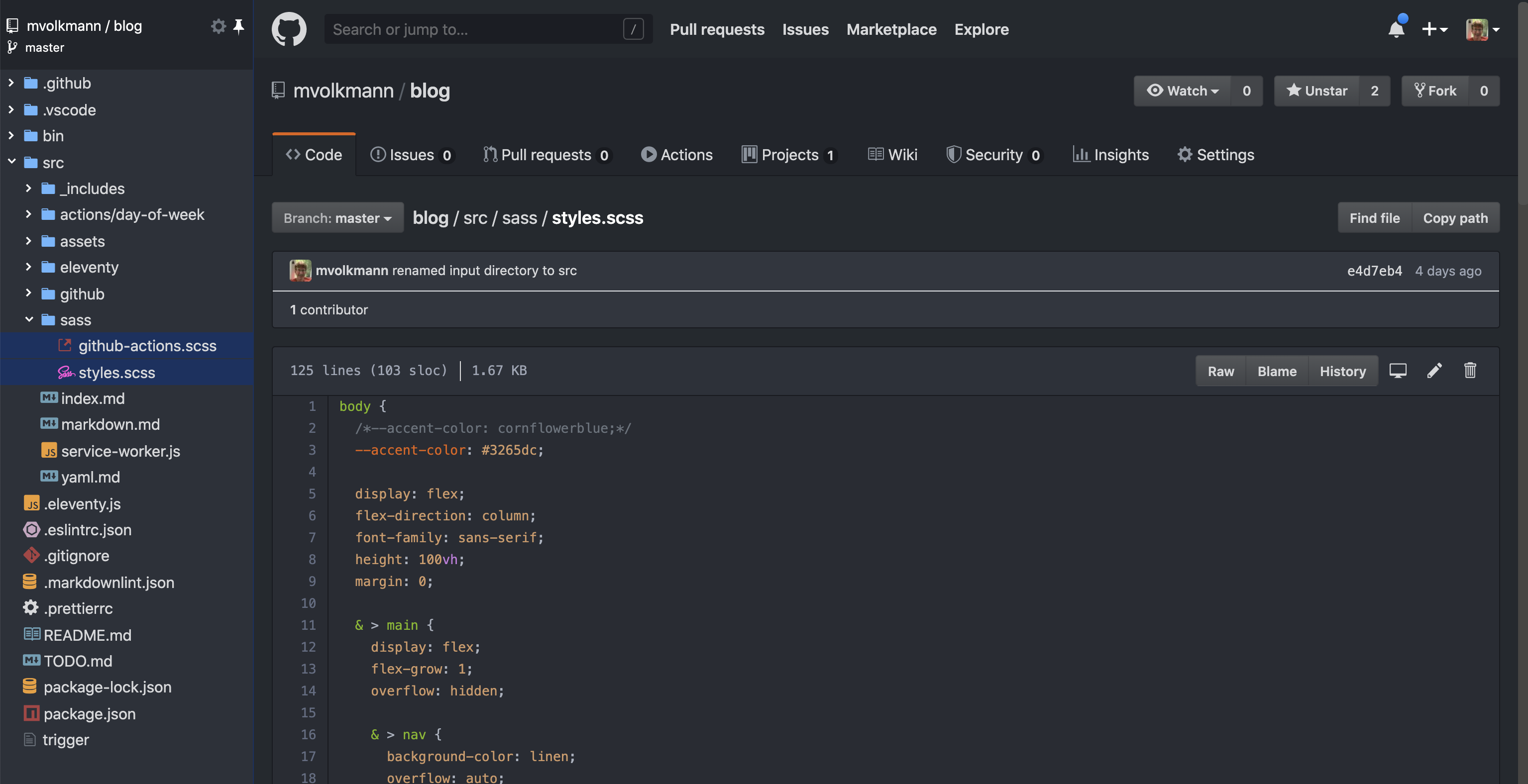
Extensions for the Google Chrome browser can change the look and feel of the GitHub web site. For example, it is possible to make to look and operate more like VS Code. Recommended extensions to achieve this include:
- GitHub Dark Theme - “A Dark theme for all of GitHub based on Atom One Dark”
- OctoLinker - “turns language-specific statements like include require or import into links”
- Octotree - provides an “easy-to-navigate code tree, just like in IDEs”
- Wide GitHub - “Change all Github repository and gist pages to be full width and dynamically sized.”
- npmhub - introspects dependencies in
package.jsonand displays a link and description for each dependency belowpackage.jsoncontent
To download and install these, browse https://chrome.google.com/webstore/.
The end result is that browsing a GitHub repo can look like the following: