Overview
This app simplifies entering data about workouts which is useful for filling Activity Rings in your Apple Watch Activity App or in your iPhone Fitness app.
There are three primary reasons to use this app:
- You do not have a device that can record your workout.
- You have a device, but you forgot to use it.
- You have a device and you started it, but something went wrong and the workout was not recorded.
In all of these cases one solution is to enter the details of workouts manually in the iPhone Health app. But doing this is tedious.
This app simplifies the process adding workouts to the Health app.
Steps to Use
-
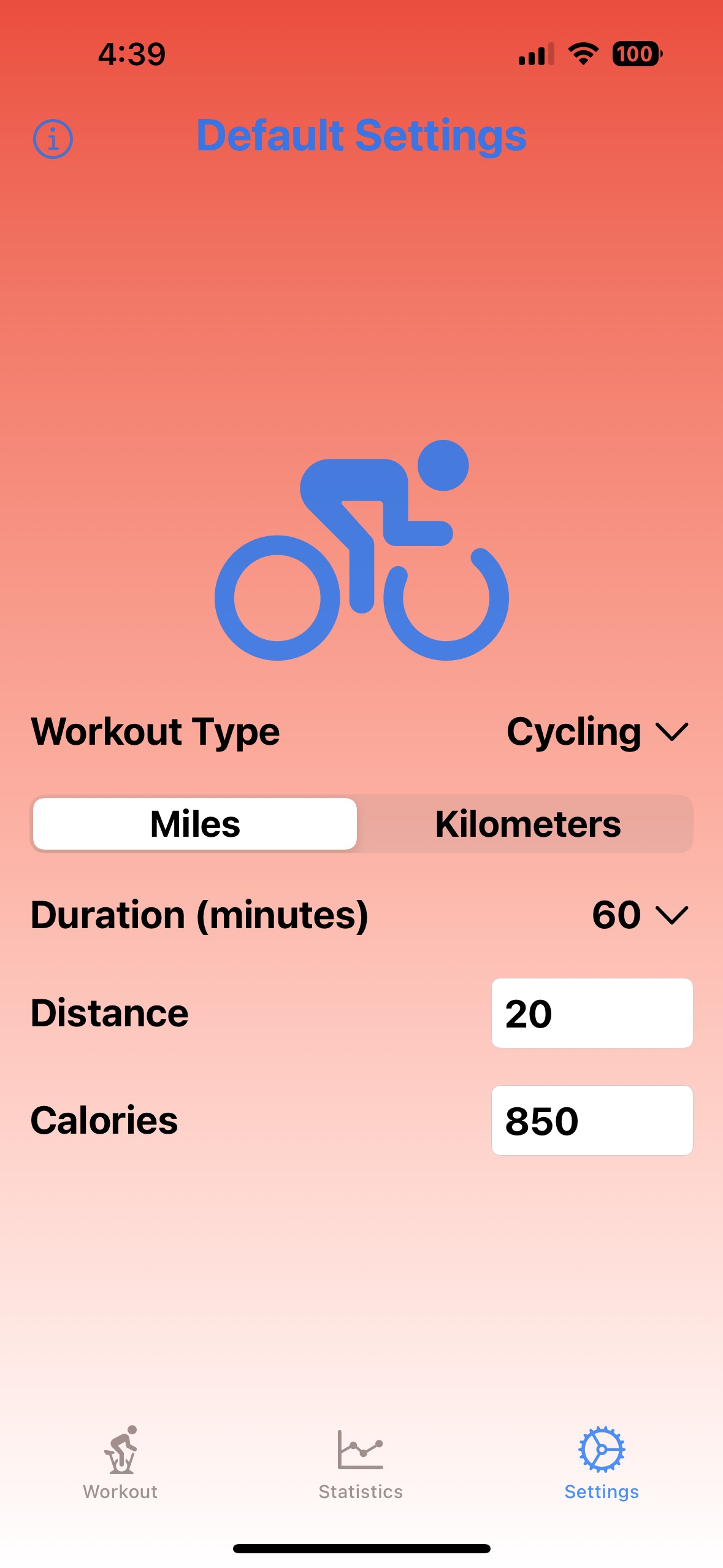
Describe your most common workout on the “Settings” screen. The values entered here serve as defaults on the “Workout” screen so they do not need to be entered when similar workouts are repeated.
-
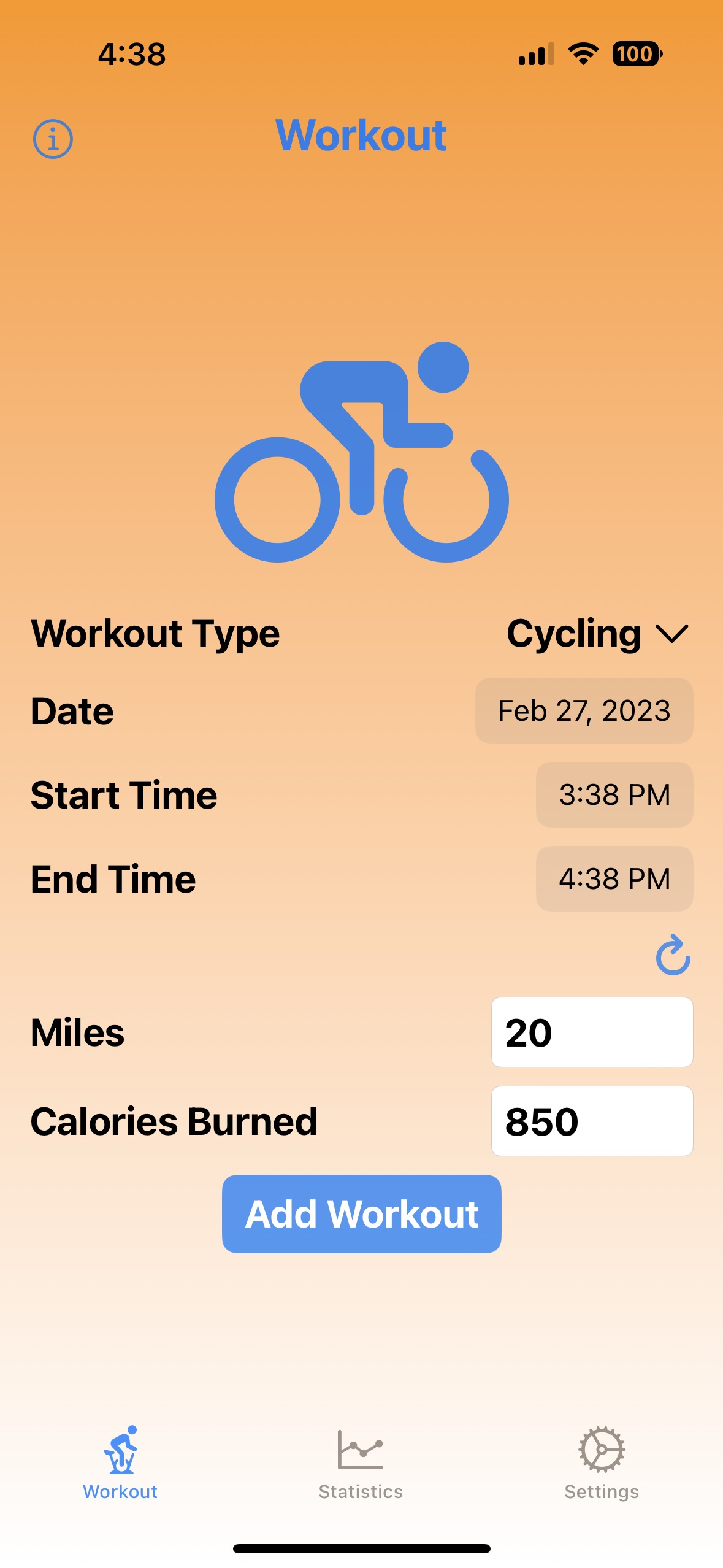
Add a workout from the “Workout” screen.
If all the default values taken from the “Settings” screen are correct for the workout being added, tapping the “Add Workout” button is all that is required.
If any details about the workout need to be modified, provide new values for any of the following:
- Workout Type
- Date
- Start Time
- End Time
- Distance (only for workouts that include a distance such as Cycling, Hiking, Running, Swimming, and Walking)
- Calories Burned
-
View your workout and health statistics on the “Statistics” screen.
Contact Information
To contact the developer of this application, send email to R. Mark Volkmann. Suggestions for new features are welcome!
Workout Screen
The “Workout” screen supports entering a new workout.
Statistics Screen
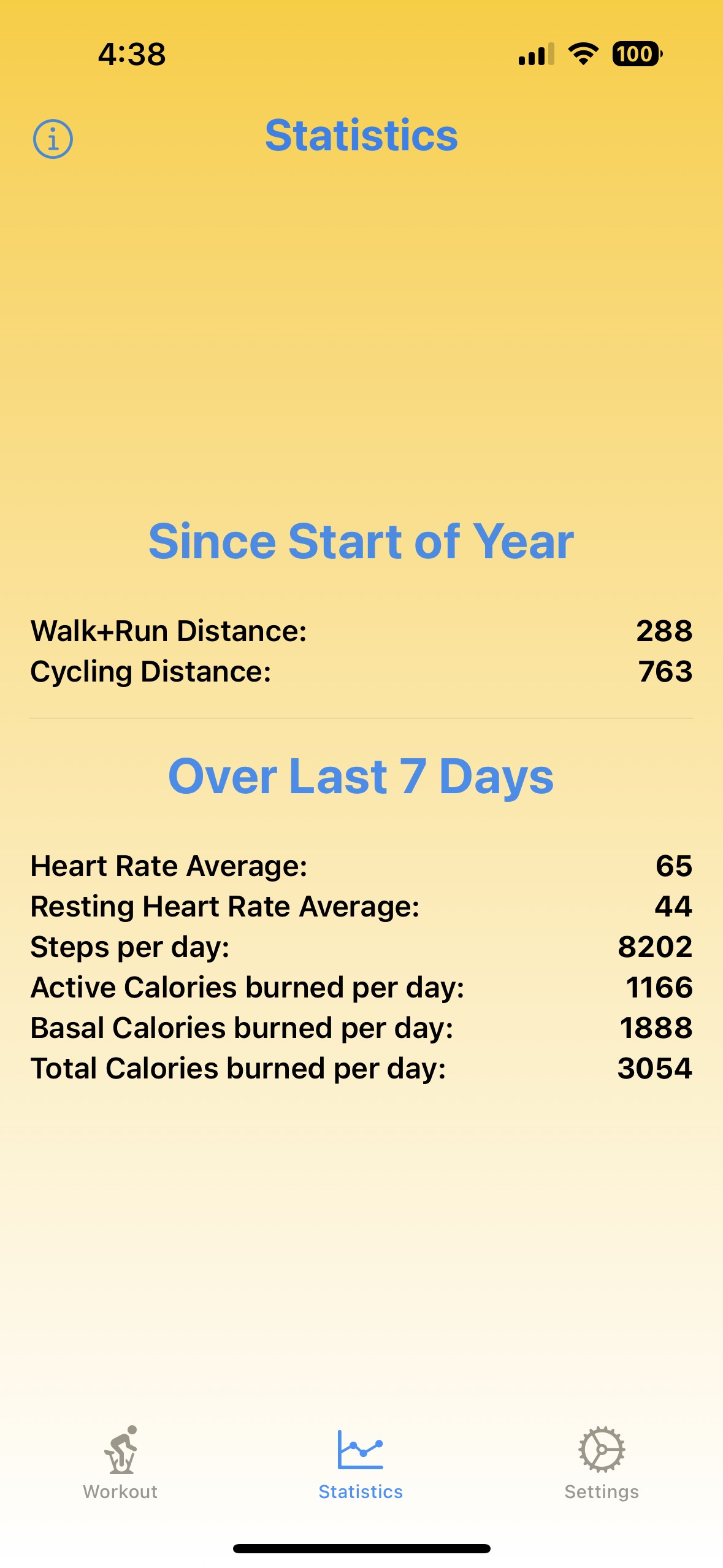
The “Statistics” screen displays the following health statistics:
- Walk+Run Distance total for this year
- Cycling Distance total for this year
- Heart Rate Average over the last seven days
- Resting Heart Rate Average over the last seven days
- Steps per day over the last seven days
- Active Calories Burned per day over the last seven days
- Basal Calories Burned per day over the last seven days
- Total Calories Burned per day over the last seven days
Settings Screen
The “Settings” screen supports entering default values that are used when adding a new workout on the first screen.