Overview
The number of component libraries for Svelte is growing! This post provides an overview of some of the best options.
Carbon Components Svelte
Carbon Components Svelte is a library of UI components from IBM that implement their Carbon Design System.
This library provides an extensive collection of components. To my eye these all have a flat, plain look.
Svelte Material UI
Svelte Material UI (SMUI) is a large library of Svelte components that implement Material UI. It is implemented in TypeScript and uses Sass for style theme files.
For a list of supported components, click the link above and see the list in the left nav.
The creator of SMUI, Hunter Perrin, created a great YouTube video detailing how to get started using this library.
For details on installing and using this library, see my post at Svelte Material UI.
For an example of using this library, see my GitHub repository sveltekit-smui-demo.

svelte-calendar
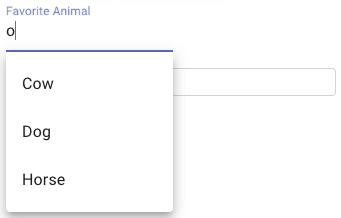
svelte-calendar is a date picker component for Svelte. It includes a large amount of animation. For some users this may feel like too much animation and be more of a distraction than a positive feature. See the demo at the link above.
svelte-datepicker
svelte-datepicker from Beyonk is a component library that provides calendar, date picker, date range picker, and time selection.
For an example, see this REPL.
This renders a selected date range in a nice way, but changing the start and end dates feels clumsy.
svelte-fullcalendar
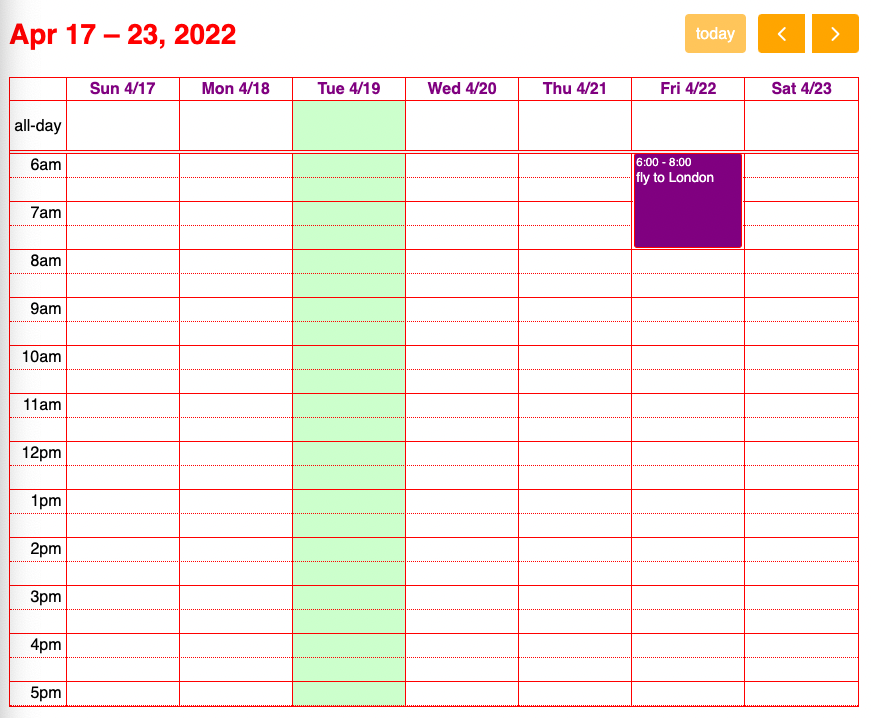
svelte-fullcalendar is a Svelte wrapper around the framework independent library FullCalendar. This is a very popular open source library that also has a paid tier offering advanced features.
For an example of using this library, see my GitHub repository sveltekit-smui-demo.
Svelte MultiSelect
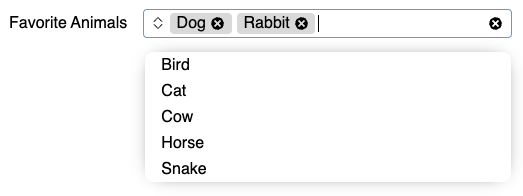
Svelte MultiSelect is an input component that displays a dropdown list of options from which the user can make multiple selections. Each selected option is displayed as a “chip” with an “x” that can be clicked to deselect it.
For an example of using this component, see my GitHub repository sveltekit-smui-demo.
svelte-time-picker
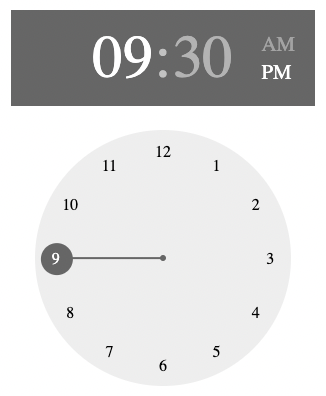
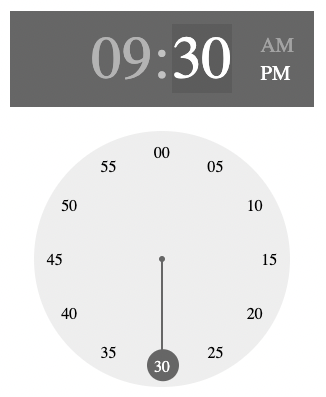
svelte-time-picker is a time picker component for Svelte. It uses the lollypop style, which many users may find confusing. The hour is selected by dragging a circle around the perimeter of a clock face. When the mouse is released, the clock face changes to display minutes instead of hours. It is not obvious how to return to the hour clock face, but this is done by click the hour number above the clock face.
For an example of using this component, see my GitHub repository sveltekit-smui-demo.
HTML input type=“date”
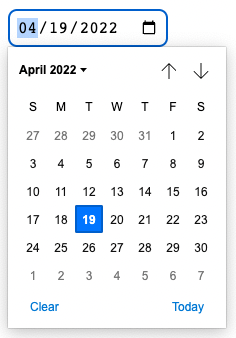
Using the HTML input element with a type of “date” works,
but has a number of issues documented in MDN. Chief among the issues is consistent browser support.
For this reason, I recommend using a date picker component.
Custom Date Picker
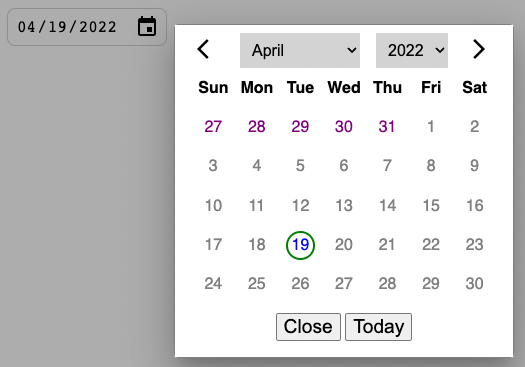
I have implemented a date picker that is
not yet available in its own GitHub repository.
However, it can be found in my GitHub repository sveltekit-smui-demo.
See the file DatePicker.svelte.
Custom Date Range
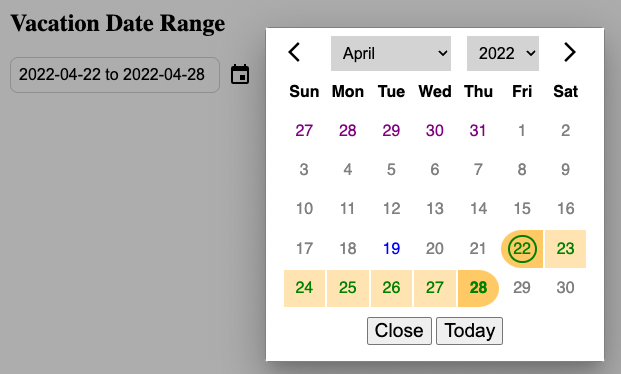
I have implemented a date range picker that is
not yet available in its own GitHub repository.
However, it can be found in my GitHub repository sveltekit-smui-demo.
See the file DateRange.svelte.

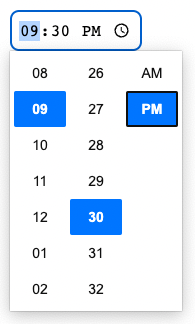
HTML input type=“time”
Using the HTML input element with a type of “time”
is a reasonable option for allowing users to select a single time value.
For an example of using thi , see my GitHub repository sveltekit-smui-demo.
Toast UI Calendar
The Toast UI Calendar component is an alternative to the FullCalendar component described earlier. It seems to have a large number of features and is free. But so far I haven’t been able to get it to work.