Overview
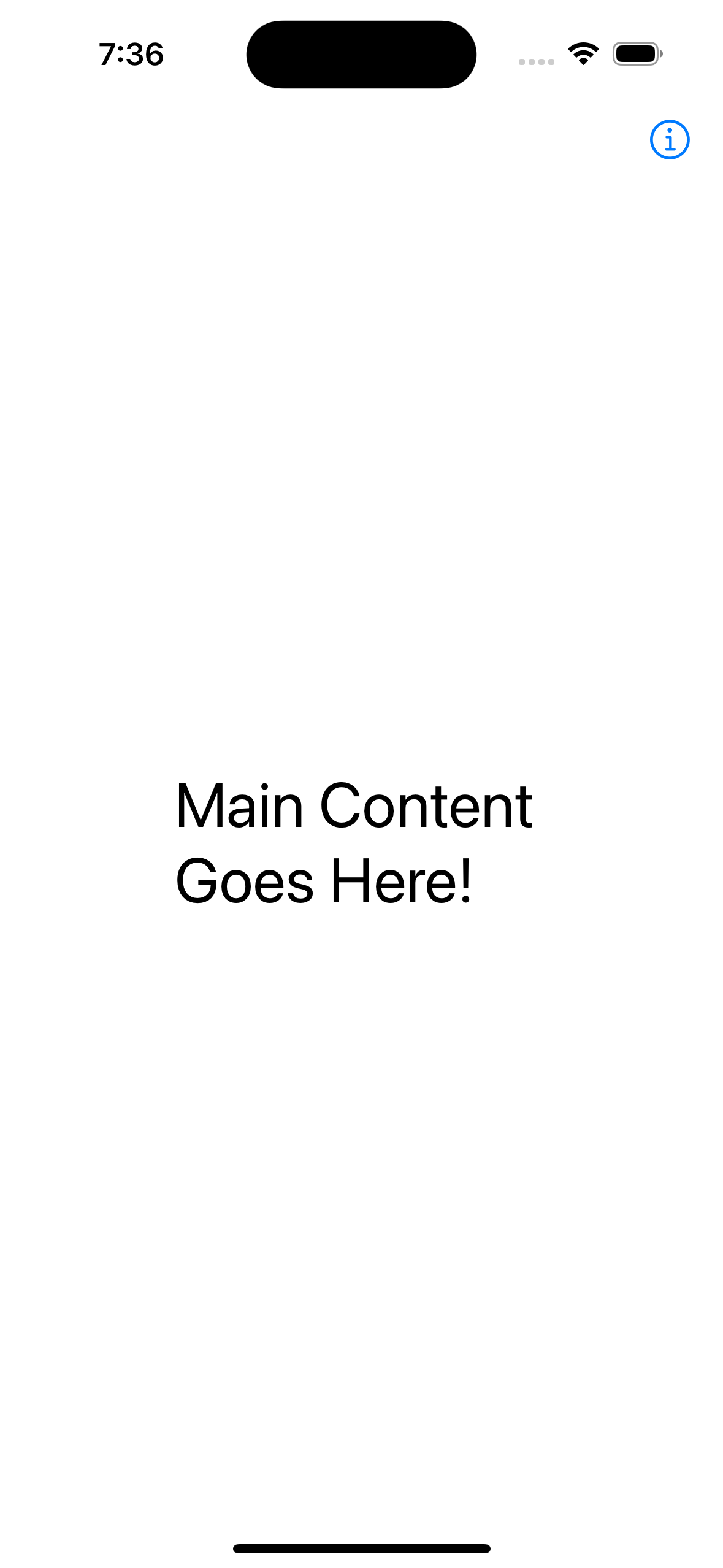
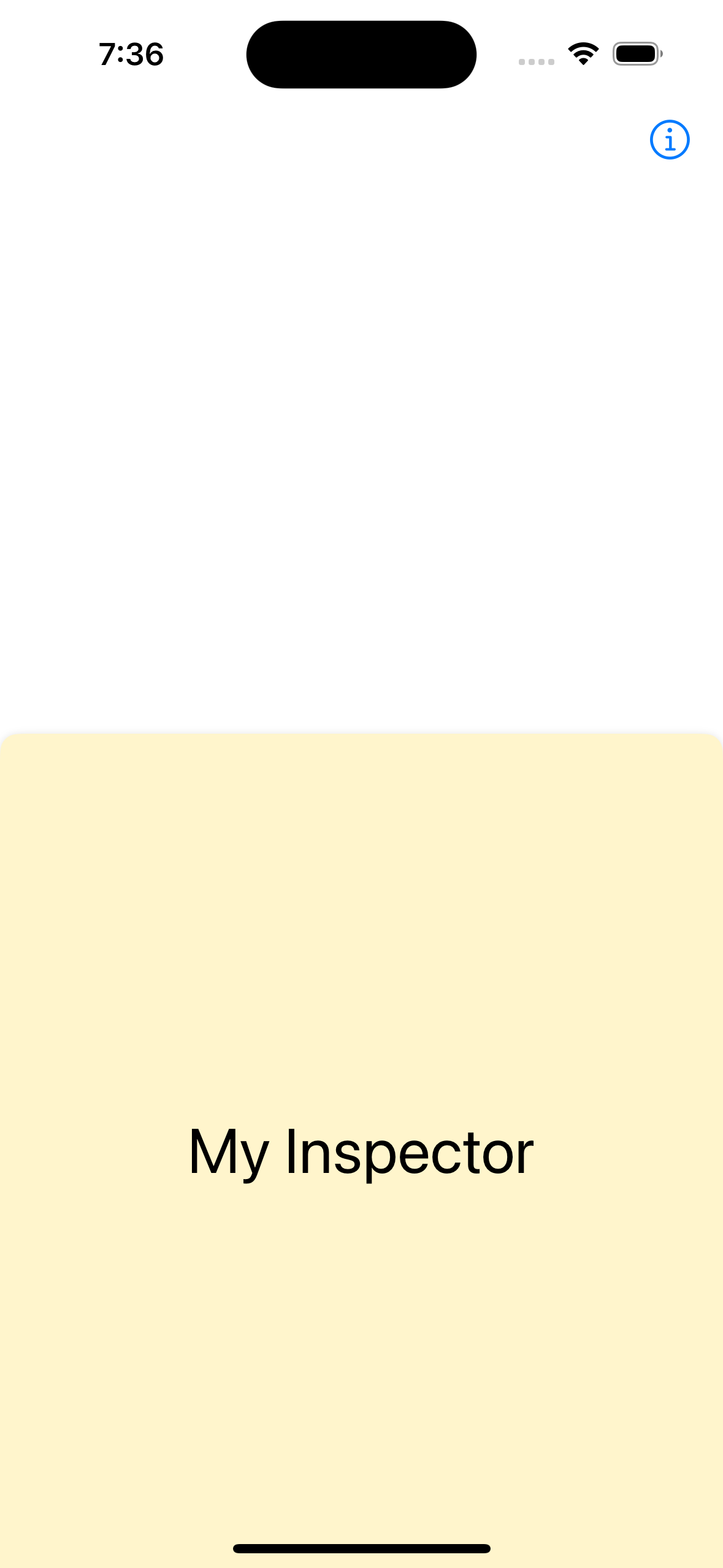
iOS 17 added the inspector view modifier. This toggles the display of an inspector panel in a platform-specific way. It macOS and iPadOS, an inspector view slides in the from right and occupies the full height of the display. It iOS, an inspector view slides up from the bottom like a sheet and occupies the full width of the display.
Resources
Example
struct ContentView: View {
    @State private var showingInspector = false

    var body: some View {
        NavigationStack {
            VStack {
                Text("Main Content Goes Here!")
                    .font(.largeTitle)
            }
            .inspector(isPresented: $showingInspector) {
                Inspector()
                    .ignoresSafeArea(edges: [.bottom])
                    .presentationDetents([.medium])
            }
            .padding()
            .toolbar {
                Spacer()
                Button {
                    showingInspector.toggle()
                } label: {
                    Label("Toggle Inspector", systemImage: "info.circle")
                }
            }
        }
    }
}

struct Inspector: View {
    var body: some View {
        ZStack {
            Color.yellow.opacity(0.2)
            VStack {
                Text("My Inspector")
                    .font(.largeTitle)
            }
        }
    }
}